Technology
⚠ READ ME — How This Insight Document Works
March 25, 2026

This document is a living editorial guide — it demonstrates every content feature available to Insight authors, from basic paragraphs to advanced inline formatting. Do not delete this document; instead, create new Insight articles alongside it.
Card-Facing Fields
- Title — the card headline and the article page h1. Translate both EN and AR.
- Description — card subtitle and intro text shown below the heading on the detail page. Keep it to 1–3 sentences.
- Date — controls sort order on the Insights page; older dates push this card further down the list.
- Sector — the filter tag applied to this card: energy, infrastructure, agriculture, technology, or realestate.
- Featured — tick ON to surface this article in the homepage highlights row. Two featured articles are displayed at a time.
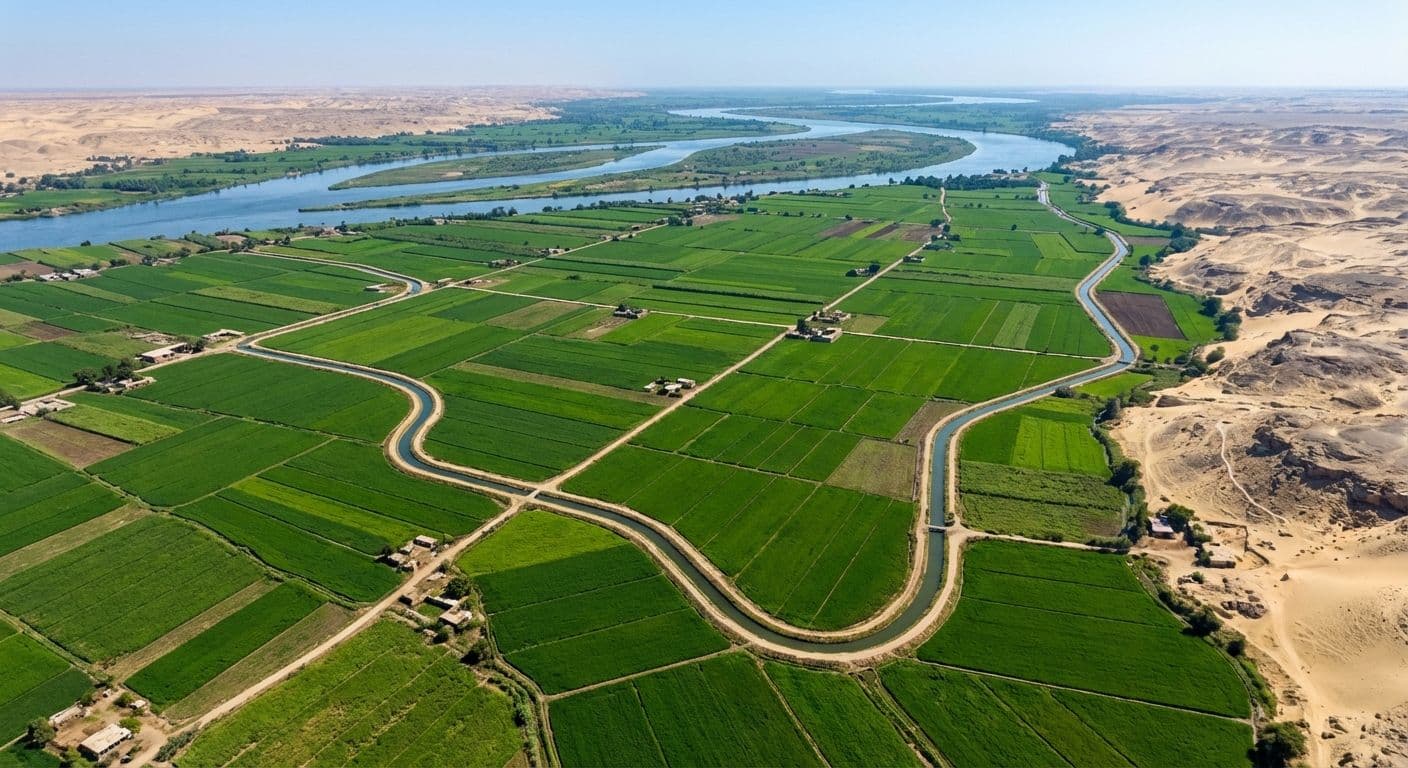
- Thumbnail — card image and article hero. A 16:9 crop looks best across all breakpoints.
- Content — the full article body. Supports headings, bullet lists, bold and italic text, pull quotes, and inline links.
Article Body Features
The content body is a Portable Text editor. It renders on the detail page with full scroll-reveal animations. You can combine bold and italic in the same span for strong emphasis.
- H2 headings to divide long articles into clearly named sections
- Bullet lists for key takeaways and enumeration of points
- Bold and italic decorators for inline emphasis on key terms and phrases
- Inline links — for example, visit the Madad website — embedded directly within paragraph text
“Disciplined capital allocation is not a constraint — it is the strategy.”
— Madad Research
Arabic Translation
Every field should be translated into Arabic. The site falls back to English automatically when an Arabic version is missing — but complete translations are strongly recommended for the full bilingual experience.